I stopped re-shooting verticals for Reels. The reframer handles it while I'm still on the trail.
MP
Maya PatelTravel vlogger
Wide-angle clips from your Meta glasses, reframed into vertical for TikTok, Reels, and Shorts. Subject-aware AI keeps faces and hands in the center of every frame.
Drag & drop your video here
or click to select a file
Drop in footage from any current or previous generation. Center Videos handles them all.
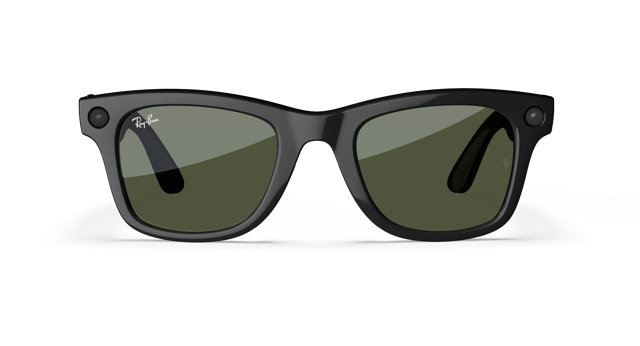
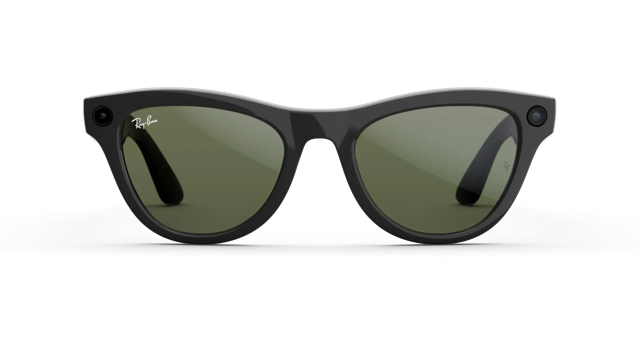
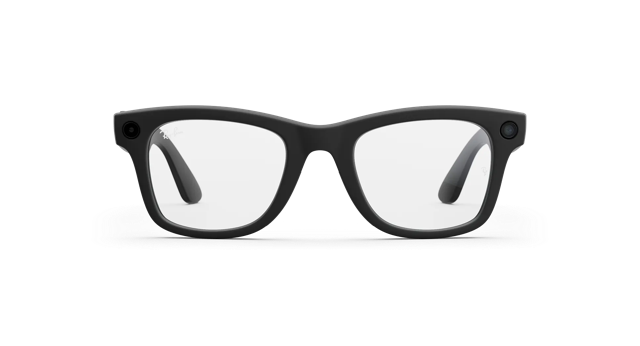
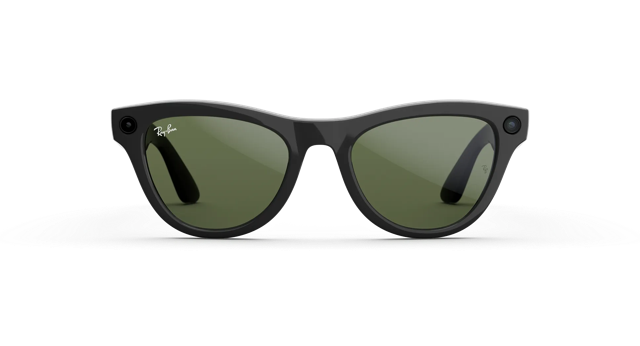
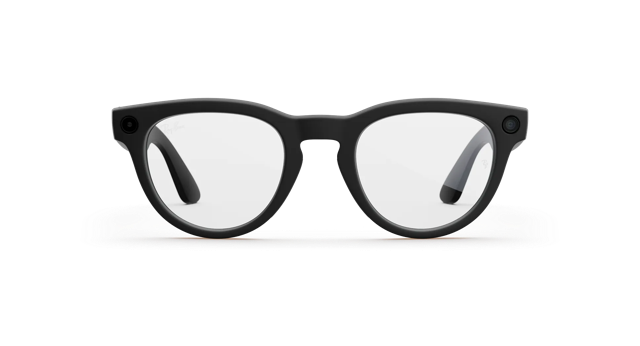
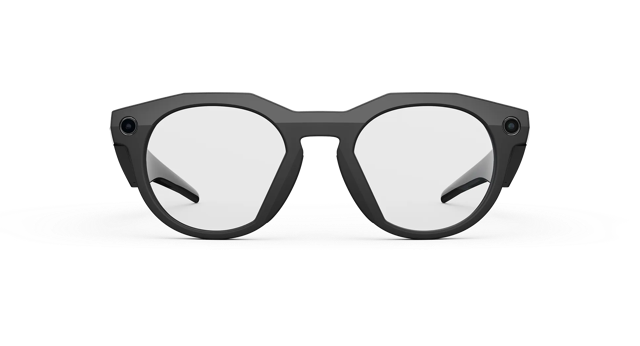
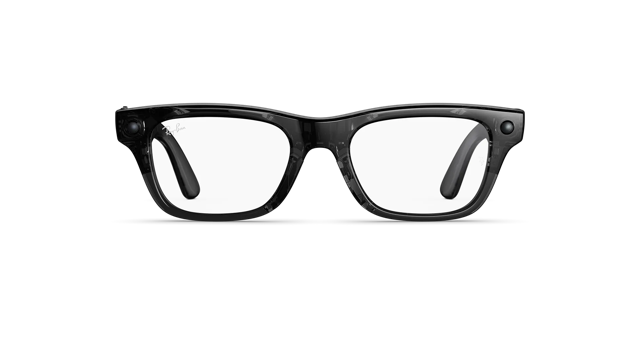
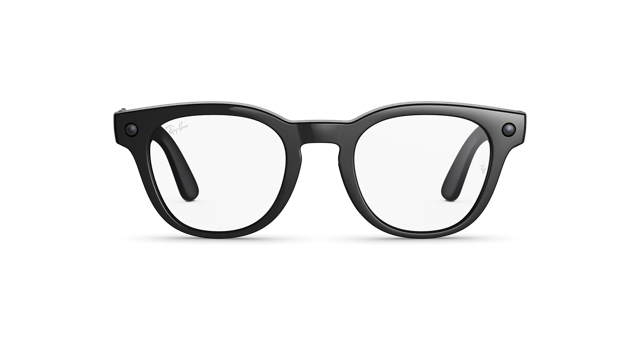
Every output is a polished 9:16 vertical, sized perfectly for Instagram Reels, TikTok, YouTube Shorts, and X. Swipe through real results from real glasses footage.
Reframed · 9:16 vertical
Drop in your footage. Center Videos hands back a polished vertical clip - no timeline, no manual cropping, no fiddling.
Drop in a clip from your Meta glasses - up to 5 minutes or 500 MB. We take it from there.
Faces, hands, and motion are tracked frame by frame, and the wide-angle warp is straightened automatically.
A smooth 9:16 crop follows your subject through every cut, output at full vertical resolution.
Wide-angle source on the left, centered 9:16 export on the right. Pick a clip to swap scenes.
Source · wide-angle
Reframed · 9:16 vertical
You hit upload. Behind the scenes, your clip flows through these four passes, every one tuned for footage shot from glasses.
Wide-angle glasses footage warps the world. The first pass undoes the curve so straight lines stay straight - walls, doorframes, horizons.
Faces, hands, and bodies are followed frame by frame. The reframer always knows where you are, even when you turn away or move fast.
We compute a single fluid camera path across the whole clip. The result drifts with your subject - no jitter, no jerky snap-cuts.
Cropped to 9:16 at the source's full vertical resolution. Audio is preserved. The output is a finished 1646 × 2928 vertical clip, ready to post.
How creators are using Center Videos in the wild.
I stopped re-shooting verticals for Reels. The reframer handles it while I'm still on the trail.
My follow-cam from morning runs used to be unusable for TikTok. Now I just upload and post.
POV cooking content always had the subject too low or too high. Center Videos finds it every time.
I record once with my Wayfarers and post to TikTok and Reels without touching another editor.
Festival crowd shots used to drift off me halfway. Now they stay centered the whole set.
I shoot whiteboard explanations from my glasses and post the vertical clip the same day.
Start free with 3 videos a week. Upgrade for unlimited reframing - cancel anytime.
Sign up free, upload your first clip, watch it reframe in the browser.
No credit card · 3 free videos every month